Can You Use a Code Reader While Car Is Running? Safety Guide
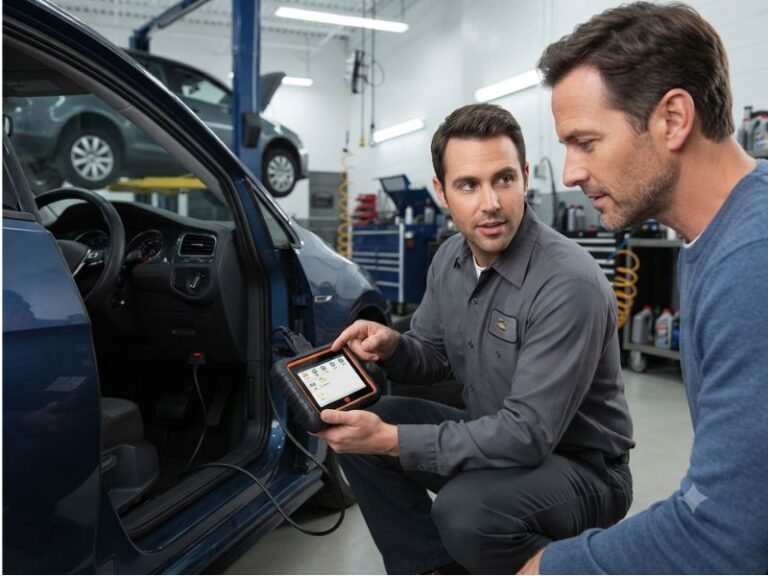
Can you use a code reader while car is running? Yes, most OBD2 code readers can remain connected and retrieve information while the engine is running. In fact, the engine must run when you want to monitor live sensor data, fuel trims, engine temperature, misfire information, or other real-time operating values.
However, you normally do not need to start the engine just to retrieve stored diagnostic trouble codes. The safest beginner method is to connect the reader with the ignition off, turn the ignition to ON, read the stored codes, and start the engine only when live data or a specific test requires it.
The complete details are explained below. You will learn when running the engine is necessary, how to connect the reader safely, which diagnostic functions should be performed with the engine off, and what precautions to follow during live-data testing.
Can You Use a Code Reader While Car Is Running Safely?
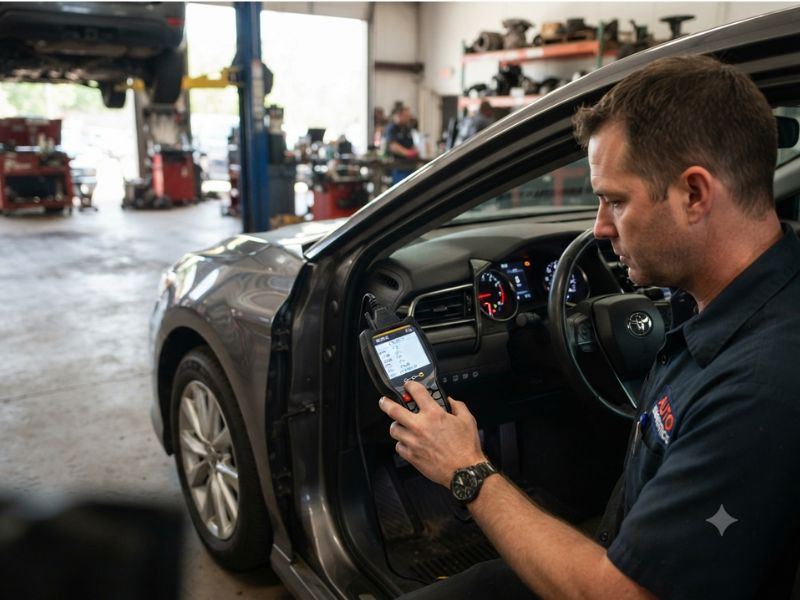
Yes, a properly designed OBD2 code reader can usually communicate with the vehicle while the engine is running.
Professional technicians regularly leave scan tools connected while engines operate because many diagnostic problems can only be observed under real operating conditions.
With the engine running, a scanner may display:
- Engine RPM
- Coolant temperature
- Fuel trim
- Oxygen sensor activity
- Mass airflow readings
- Throttle position
- Ignition timing
- Charging voltage
- Misfire data
- Transmission temperature
The code reader communicates electronically with the vehicle’s control modules through the OBD2 diagnostic port. It does not normally interfere with engine operation when it is compatible and connected correctly.
The main risks involve using poor-quality equipment, allowing the cable to interfere with the pedals, disconnecting the device during a critical service function, or operating the scanner while driving.
Does the Engine Need to Run to Read Stored Codes?
No. The engine usually does not need to run when retrieving stored diagnostic trouble codes.
Stored codes are already saved inside the vehicle’s computer memory. The scanner only needs the ignition to be in the ON position so the relevant control modules can communicate.
The recommended setup is commonly called Key On, Engine Off, or KOEO.
Use this mode for:
- Reading stored codes
- Checking pending codes
- Viewing permanent emissions codes
- Reading freeze-frame information
- Checking readiness monitors
- Viewing vehicle identification data
- Clearing codes after repairs
The dashboard warning lights will normally illuminate when the ignition is on and the engine is off. This is part of the standard bulb test and does not necessarily indicate new faults.
When Should the Engine Be Running?
The engine should run when you need information that only exists while the vehicle is operating.
A scanner cannot display meaningful engine-speed, fuel-control, or combustion data when the engine is not running.
Running-engine diagnosis is helpful for checking several areas.
Live Sensor Data
Live data shows what the vehicle’s sensors and control modules are reporting in real time.
This can include:
- Engine speed
- Coolant temperature
- Intake air temperature
- Throttle position
- Oxygen sensor voltage
- Airflow readings
- Manifold pressure
- Battery voltage
Live data helps determine whether a sensor is producing a reasonable signal.
For example, a fully warmed engine should not show an extremely cold coolant temperature. An unrealistic reading may indicate a faulty sensor, damaged wiring, or a poor electrical connection.
Fuel Trim
Fuel trim shows how the engine computer adjusts fuel delivery.
Positive fuel trim means the computer is adding fuel. Excessively positive values may point toward a vacuum leak, low fuel pressure, inaccurate airflow measurement, or another lean-condition cause.
Negative fuel trim means the computer is reducing fuel. Excessively negative values may suggest excessive fuel delivery, leaking injectors, incorrect pressure, or inaccurate sensor data.
Fuel trim is only meaningful while the engine operates.
Oxygen Sensor Activity
Oxygen sensors monitor oxygen content in the exhaust.
A scanner may display oxygen sensor voltages, equivalence ratios, or air-fuel sensor data while the engine is running.
This information can help diagnose:
- Fuel mixture problems
- Sensor performance
- Exhaust leaks
- Catalytic converter operation
The engine usually needs to reach normal operating temperature before the readings become useful.
Misfire Monitoring
Advanced scanners may display misfire counts for individual cylinders.
Watching these counts while the engine idles or operates under load can help identify which cylinder is experiencing a combustion problem.
Possible causes include:
- Worn spark plugs
- Faulty ignition coils
- Fuel injector problems
- Vacuum leaks
- Compression loss
Charging-System Data
With the engine running, a scanner may display system voltage measured by a control module.
This helps check whether the alternator is charging.
However, scanner voltage should be confirmed with a suitable multimeter when an accurate electrical diagnosis is required.
Should You Connect the Reader Before Starting the Engine?
Yes. For most users, the best method is to connect the code reader before starting the engine.
Follow this order:
- Park the vehicle safely.
- Apply the parking brake.
- Turn the ignition off.
- Locate the OBD2 port.
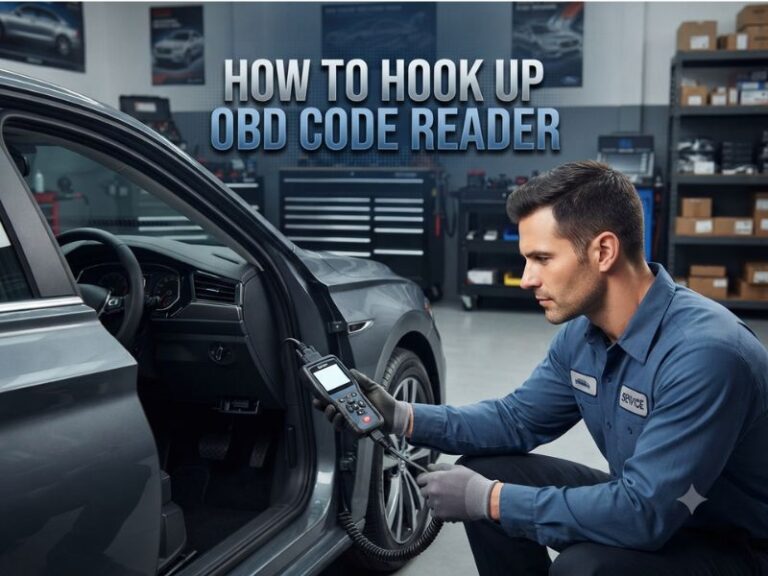
- Plug in the code reader.
- Turn the ignition to ON.
- Allow the scanner to connect.
- Start the engine when live data is required.
This process allows the scanner to establish communication before the engine starts.
It also makes connecting the cable easier because the vehicle is stationary and the engine compartment components are not operating.
Most readers can also be connected while the engine is already running, but connecting with the ignition off is the better habit.
Can You Plug In a Code Reader While the Engine Is Already Running?
Most OBD2 scanners can be plugged in while the engine is running without causing damage.
However, beginning with the ignition off is preferable because it reduces the chance of a poor connection and follows the normal instructions supplied with many diagnostic tools.
When connecting to a running vehicle:
- Keep the vehicle in Park or Neutral.
- Apply the parking brake.
- Turn off unnecessary accessories.
- Insert the connector carefully.
- Keep the cable away from the pedals.
- Do not force the plug.
- Confirm that the scanner supports the vehicle.
If the reader behaves incorrectly, turn off the engine, disconnect it, and repeat the connection procedure from the beginning.
Can You Start the Car With the Code Reader Connected?
Yes, most code readers are designed to remain connected while the engine starts.
This is sometimes necessary when diagnosing:
- Hard starting
- Extended cranking
- Cold-start misfires
- Battery voltage drop
- Crankshaft sensor signals
- Fuel-pressure-related symptoms
However, the voltage may drop significantly while the starter motor operates. A weak battery can cause the scanner to restart, disconnect, or display communication errors during cranking.
A scanner resetting during startup does not always mean the tool is defective. It may indicate low battery voltage or a temporary loss of communication.
Is It Safe to Drive With a Code Reader Connected?
A code reader can technically remain connected while the vehicle is moving, and road testing is sometimes necessary for professional diagnosis.
However, the driver should never operate or read a handheld scanner while driving.
For safe road testing:
- Have a passenger operate the scanner.
- Secure the phone or scanner properly.
- Keep cables away from the steering wheel and pedals.
- Use data recording when available.
- Review recorded information after stopping.
A road test may be needed for:
- Transmission shifting problems
- Wheel speed sensor faults
- Intermittent misfires
- Acceleration problems
- Torque converter operation
- Vehicle speed signal issues
Do not perform diagnostic testing that distracts the driver.
Can a Bluetooth Code Reader Stay Connected While Driving?
Yes, many Bluetooth OBD2 adapters are designed for live monitoring while the vehicle is moving.
They may send data to a smartphone application showing:
- Engine speed
- Vehicle speed
- Fuel economy
- Coolant temperature
- Intake temperature
- Boost pressure
- Trouble codes
Use a reputable adapter. Poor-quality Bluetooth devices may lose communication, provide inaccurate values, or continue drawing power after the vehicle is parked.
The phone should be mounted securely, and the app should not be operated by the driver while moving.
Can You Read Codes While the Engine Is Running?
Yes. A scanner can retrieve stored codes while the engine is running.
However, starting the engine provides no major advantage when you only need saved DTCs.
Reading codes with the engine off is generally quieter, safer, and easier. It also avoids cable movement and reduces distractions.
Use the engine-running condition when you need live data or when the scanner’s instructions specifically request it.
Should You Clear Codes While the Engine Is Running?
It is generally better to clear diagnostic codes with the ignition on and the engine off.
Many scanners will not erase codes while the engine is running. Others may display a warning asking you to stop the engine first.
Use this process:
- Record all trouble codes.
- Save freeze-frame information.
- Complete the repair.
- Turn the engine off.
- Leave the ignition on.
- Select Clear Codes or Erase DTCs.
- Turn the ignition off when instructed.
- Restart the engine and verify the repair.
Clearing codes while the engine runs may interrupt communication or cause the control module to detect the same active fault immediately.
Why You Should Not Clear Codes Before Diagnosis
Clearing codes can remove valuable information.
Depending on the vehicle, it may erase:
- Stored codes
- Pending codes
- Freeze-frame data
- Fuel trim history
- Misfire information
- Readiness monitor status
Freeze-frame data shows conditions present when the fault was detected. Losing it can make intermittent problems harder to diagnose.
A warning light turning off after clearing does not mean the vehicle is repaired. If the condition remains, the code will return.
Can Running the Engine Damage the Scanner?
Normal engine operation should not damage a compatible scanner.
OBD2 tools are designed to communicate with vehicles under normal operating conditions.
Damage is more likely when:
- The diagnostic port has incorrect voltage.
- The vehicle wiring has been modified.
- The scanner is defective.
- Liquid enters the scanner.
- The cable touches hot or moving components.
- The connector pins are damaged.
- An incorrect adapter is used.
If the reader or connector becomes unusually hot, disconnect it and inspect the equipment and vehicle port before continuing.
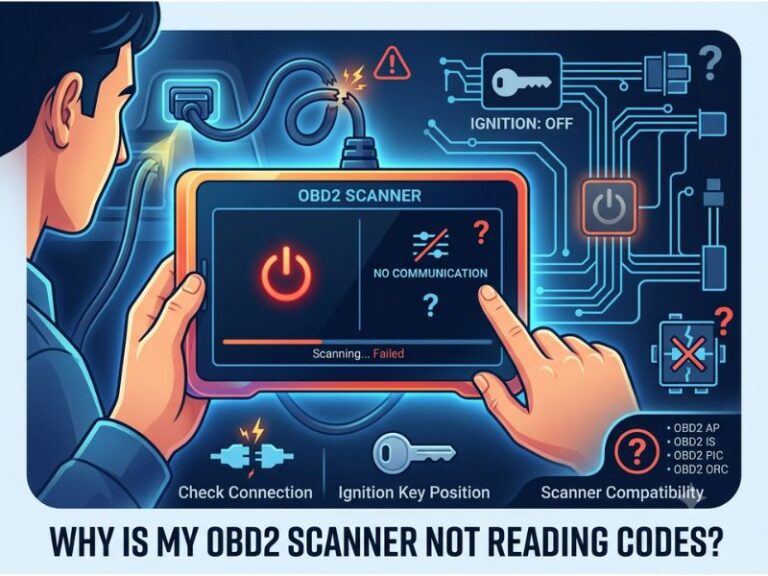
Why Does the Scanner Disconnect When the Engine Starts?
A scanner may disconnect during engine startup because of a voltage drop.
The starter motor requires a large amount of electrical current. If the battery is weak, vehicle voltage may fall low enough to restart the scanner or temporarily disable a control module.
Other possible causes include:
- Loose OBD2 connection
- Damaged scanner cable
- Poor battery terminals
- Weak battery
- Vehicle network fault
- Low-quality Bluetooth adapter
- Faulty ignition switch
Check that the connector is fully inserted and that the battery terminals are clean and tight.
Why Does the Engine Run Differently With the Scanner Connected?
A normal code reader should not noticeably change engine operation.
If the engine runs poorly only when the tool is connected, possible causes include:
- Faulty scanner
- Damaged diagnostic connector
- Vehicle network problem
- Incorrect adapter
- Aftermarket wiring modifications
- Scanner sending unsupported commands
Disconnect the scanner and test it on another compatible vehicle if possible.
Avoid using low-quality adapters that may interfere with vehicle communication networks.
Can You Perform Active Tests With the Engine Running?
Advanced bidirectional scanners can command certain components while the engine runs.
Examples may include:
- Cooling fan activation
- EGR operation
- Fuel injector testing
- Idle speed control
- Variable valve timing tests
- Transmission solenoid commands
These functions should only be used when the service procedure requires them.
An incorrect active test may cause the engine to stall, run poorly, or activate components unexpectedly.
Basic code readers normally cannot perform bidirectional tests.
Engine Running vs Ignition On: Which Mode Should You Use?
Use ignition on, engine off for:
- Reading stored codes
- Reading pending codes
- Checking permanent codes
- Viewing freeze-frame information
- Checking emissions readiness
- Clearing codes after repairs
Use engine running for:
- Live sensor readings
- Fuel trim analysis
- Oxygen sensor testing
- Misfire monitoring
- Charging-system checks
- Idle diagnosis
- Engine-temperature monitoring
Use vehicle moving only when necessary for:
- Transmission shift diagnosis
- Wheel speed comparison
- Load-related faults
- Intermittent driving problems
Always choose the safest operating condition that provides the information you need.
Safety Tips for Using a Code Reader With the Engine Running
Park the vehicle on a stable surface and apply the parking brake.
Keep the scanner cable away from:
- Accelerator pedal
- Brake pedal
- Clutch pedal
- Steering column
- Cooling fans
- Drive belts
- Exhaust components
Do not place the scanner inside the engine compartment unless it is specifically designed for that use.
Avoid wearing loose clothing near a running engine.
Do not operate the scanner while driving. Use a passenger or record data for later review.
If the Check Engine Light is flashing, the engine is shaking severely, or the vehicle is overheating, stop unnecessary testing and address the urgent problem.
When Should You Stop the Engine Immediately?
Stop the engine when you notice:
- Low oil pressure warning
- Severe overheating
- Heavy smoke
- Strong fuel smell
- Burning smell
- Loud knocking
- Major fluid leak
- Severe vibration
- Electrical smoke
A code reader should not be used as a reason to keep an unsafe engine running.
Scanner information is useful, but preventing engine damage and protecting personal safety are more important.
Final Thoughts
So, can you use a code reader while car is running? Yes, most OBD2 code readers can remain connected and communicate safely while the engine operates.
The engine does not need to run for basic code retrieval. Use ignition-on, engine-off mode for stored codes, pending codes, freeze-frame data, readiness monitors, and code clearing.
Run the engine when you need live data, fuel trims, oxygen sensor activity, charging voltage, misfire counts, or another real-time test. Connect the reader before starting when possible, keep cables away from controls and moving parts, and never operate a scanner while driving.