Why Is My OBD2 Scanner Not Reading Codes? Troubleshooting Guide
Why is my OBD2 scanner not reading codes? Your OBD2 scanner may not read codes because of a power issue, incorrect ignition position, poor connection, blown diagnostic port fuse, scanner compatibility problem, or a vehicle communication failure. In many cases, the problem is simple and can be fixed by checking the OBD2 port, vehicle battery, and scanner settings.
The complete details are explained below. In this article, you will learn the most common reasons an OBD2 scanner fails to read codes, how to troubleshoot connection problems, what different error messages mean, and how to get your scanner working correctly.
Why Is My OBD2 Scanner Not Reading Codes?
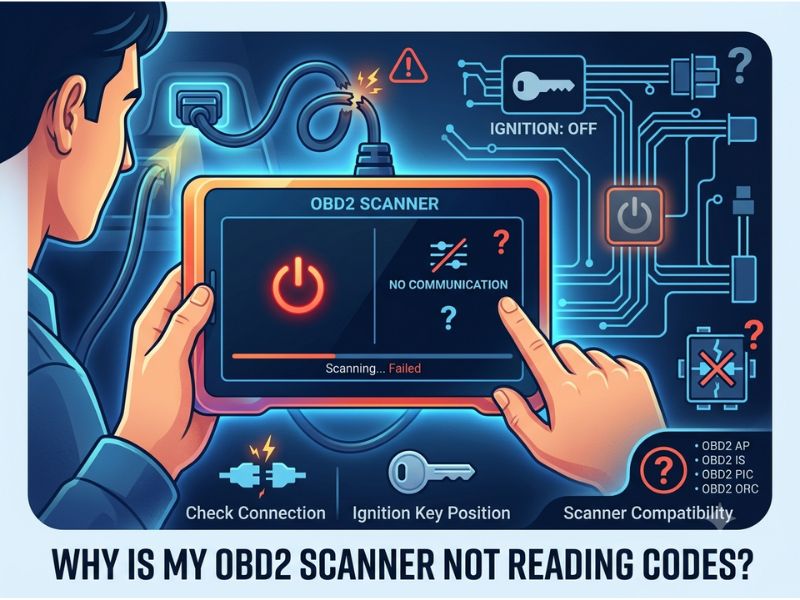
An OBD2 scanner depends on communication between the scan tool and the vehicle’s onboard computer. If that connection fails, the scanner may turn on but fail to retrieve diagnostic trouble codes.
Common reasons include:
- The ignition is not switched on
- The scanner is not properly connected
- The OBD2 port has no power
- A fuse has failed
- The vehicle is not OBD2 compatible
- The scanner does not support the vehicle system
- The battery voltage is too low
- There is a communication problem with the vehicle computer
Before assuming the scanner is broken, check the basic connection steps. Most OBD2 reading problems are caused by simple issues rather than a major vehicle failure.
Check If the OBD2 Scanner Has Power
The first thing to check is whether your scanner is receiving power from the vehicle.
A wired OBD2 scanner normally powers on immediately after being connected because the OBD2 port receives power from the vehicle battery.
If the scanner screen remains blank or does not turn on, possible causes include:
- Blown OBD2 port fuse
- Damaged OBD2 connector
- Dead vehicle battery
- Faulty scanner cable
- Poor connection
Try connecting the scanner to another compatible vehicle if possible. This helps determine whether the problem is with the scanner or the vehicle.
If the scanner works on another vehicle, the issue is likely related to the vehicle’s diagnostic system.
Make Sure the Ignition Is Turned On
Many people connect an OBD2 scanner but forget to turn the ignition on.
Most scanners need the vehicle ignition in the ON position to communicate with the engine control module.
The correct process is usually:
- Turn the vehicle off
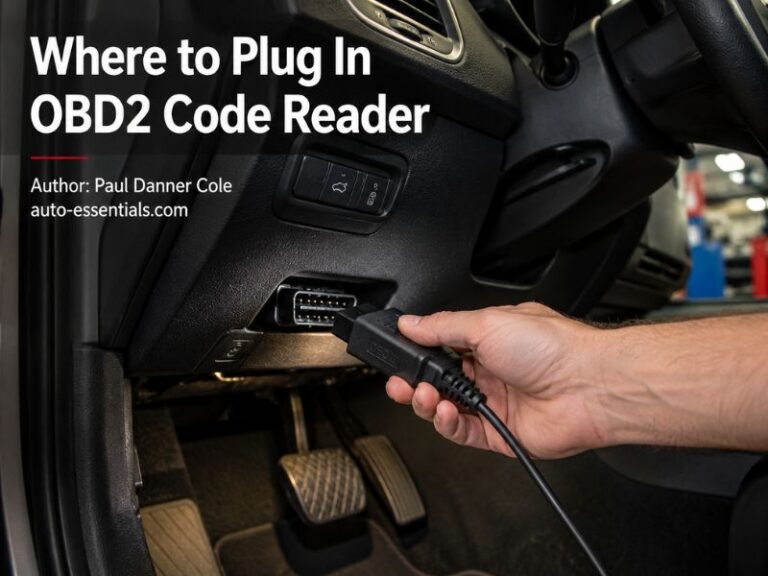
- Plug the scanner into the OBD2 port
- Turn the ignition to ON
- Wait for the scanner to connect
- Start the engine only if required
For vehicles with push-button start, press the start button without pressing the brake pedal to activate ignition mode.
If the ignition is completely off, the scanner may have power but cannot communicate with the vehicle.
Check the OBD2 Connector Connection
A loose connection is another common reason an OBD2 scanner cannot read codes.
Make sure:
- The scanner plug is fully inserted
- The pins are not bent or damaged
- The connector is clean
- The plug is not moving around
The OBD2 connector has 16 pins, and communication depends on proper contact between the scanner and vehicle.
If the port is dirty or damaged, the scanner may power on but fail to communicate.
Avoid forcing the scanner plug into the port because damaged pins can create additional problems.
Check the OBD2 Port Fuse
If the scanner does not turn on or cannot communicate, check the vehicle’s fuse box.
The OBD2 port usually receives power through a dedicated fuse or a shared interior electronics fuse.
A blown fuse can cause:
- Scanner not powering on
- No communication message
- Blank screen
- Connection failure
The fuse location varies by vehicle, so check the owner’s manual or fuse box diagram.
If the fuse blows again after replacement, there may be an electrical issue that needs further diagnosis.
Is Your Vehicle OBD2 Compatible?
Not every vehicle supports OBD2.
OBD2 became mandatory for most gasoline vehicles in the United States starting in 1996 and later expanded to other vehicle types and markets.
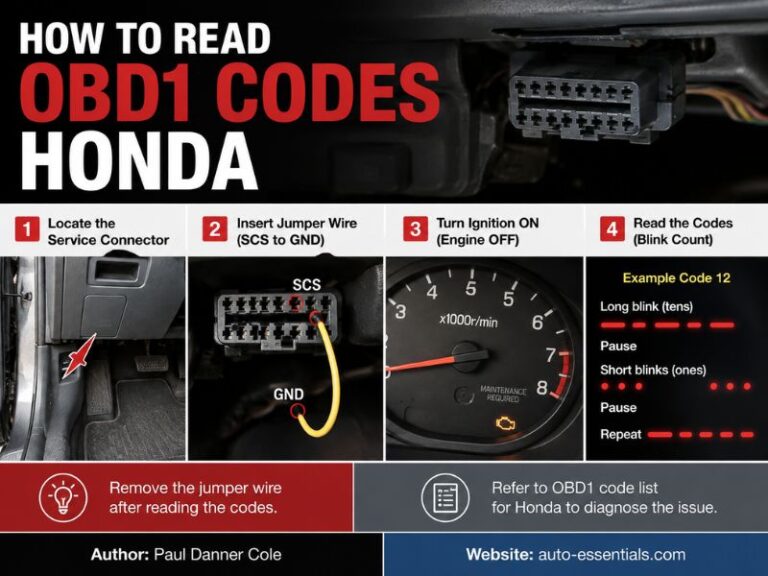
Older vehicles may use different diagnostic systems.
If you try to connect a standard OBD2 scanner to a vehicle without OBD2 support, it may:
- Power on but not communicate
- Show a connection error
- Fail to identify the vehicle
Always confirm that your vehicle supports OBD2 before purchasing or using a scanner.
Check Scanner Compatibility
Not all OBD2 scanners work with every vehicle system.
Basic code readers usually support:
- Engine codes
- Emissions-related information
- Basic powertrain diagnostics
However, some vehicles require advanced scanners to access:
- ABS codes
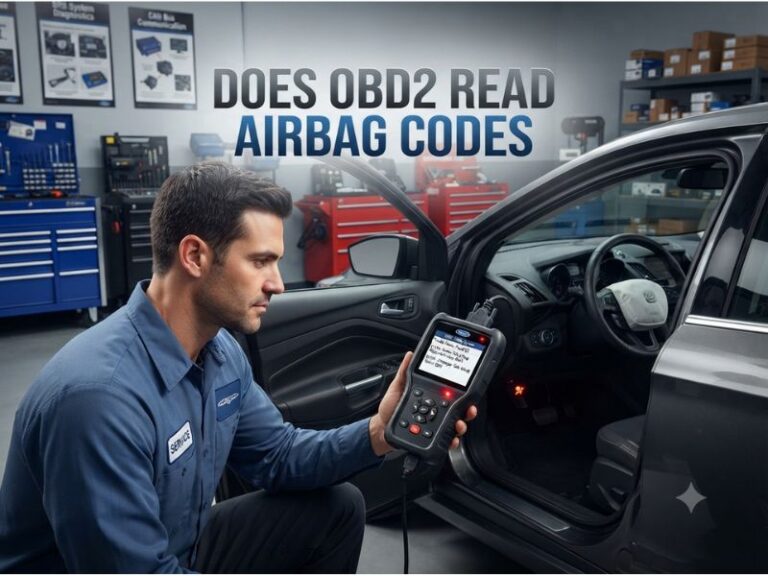
- Airbag systems
- Transmission modules
- Body control modules
- Manufacturer-specific data
If you are trying to read a check engine light, a basic scanner is usually enough.
If you are trying to access other systems, you may need a more advanced diagnostic tool.
Try a Different OBD2 Scanner
The scanner itself may be the problem.
Possible scanner issues include:
- Damaged cable
- Outdated software
- Faulty internal components
- Poor-quality hardware
- Battery or power problems
If possible, test another scanner on the same vehicle.
If another scanner works, your original scanner may be defective.
Updating scanner firmware or the mobile app may also solve communication problems, especially with Bluetooth OBD2 adapters.
Check the Vehicle Battery Voltage
Low battery voltage can prevent proper communication between the scanner and vehicle computer.
A weak battery may still start the engine but fail during diagnostic communication.
Signs of low battery voltage include:
- Slow engine cranking
- Flickering lights
- Electrical issues
- Scanner connection failures
A healthy vehicle battery should generally provide stable voltage. If the battery is weak, charge or replace it before performing diagnostics.
Try Scanning With the Engine Off
Some scanners communicate better when the engine is not running.
Try this process:
- Turn the ignition off
- Connect the scanner
- Turn ignition to ON
- Wait for communication
- Read codes
The engine does not always need to be running to read stored diagnostic trouble codes.
For most check engine light problems, scanning with the ignition on and engine off is sufficient.
Clear Other Connected Devices
If you have another device connected to the OBD2 port, remove it before scanning.
Examples include:
- Insurance tracking devices
- Bluetooth adapters
- Performance tuners
- Monitoring tools
Multiple devices connected to the same diagnostic port can sometimes interfere with communication.
Connect only the scanner you are using for diagnosis.
Why Does My OBD2 Scanner Say “No Link” or “Communication Error”?
A “No Link” or “Communication Error” message means the scanner cannot establish communication with the vehicle computer.
Possible causes include:
- No power at the OBD2 port
- Incorrect ignition position
- Unsupported vehicle protocol
- Faulty scanner
- Wiring issue
- Vehicle computer problem
Try the following:
- Confirm ignition is ON
- Check the OBD2 fuse
- Disconnect and reconnect the scanner
- Try another scanner
- Verify vehicle compatibility
If the issue continues, the vehicle’s diagnostic circuit may require professional testing.
Why Does My Scanner Say “No Codes Found”?
If your scanner connects successfully but shows no codes found, this does not necessarily mean something is wrong.
Possible explanations include:
- The problem is not currently stored as a code
- The code was recently cleared
- The issue is intermittent
- The warning light is unrelated to engine diagnostics
- The scanner cannot access that specific system
For example, a scanner may show no engine codes but another module may contain ABS or transmission faults.
Advanced scan tools can access more vehicle systems than basic code readers.
Can a Dead Battery Cause OBD2 Problems?
Yes, a weak or disconnected battery can affect OBD2 communication.
When battery voltage drops, vehicle computers may not communicate correctly.
Battery-related problems can also reset:
- Engine memory
- Readiness monitors
- Adaptive settings
Before diagnosing electronic problems, ensure the battery connections are clean and tight.
Check both battery terminals for:
- Corrosion
- Loose connections
- Damage
A stable electrical supply is important for accurate scanning.
What If the Check Engine Light Is On but Scanner Shows Nothing?
If the check engine light is on but your scanner shows no codes, possible reasons include:
- Scanner cannot access the vehicle system
- Communication problem
- Wrong scanner mode
- Fault in another module
- Temporary electronic issue
Try reading the vehicle information first. Many scanners display whether they successfully connected to the engine control module.
If the scanner connects but no codes appear, the issue may require a more advanced diagnostic tool.
Can an OBD2 Scanner Fail After an Update?
Yes, software updates can sometimes create compatibility problems.
Bluetooth scanners especially depend on:
- Mobile app updates
- Firmware versions
- Phone operating system compatibility
If your scanner stopped working after an update:
- Restart the app
- Reconnect Bluetooth
- Check for firmware updates
- Try another phone if available
Keeping diagnostic tools updated helps maintain compatibility with newer vehicles.
How to Fix an OBD2 Scanner That Will Not Read Codes
Use this troubleshooting order:
- Confirm the vehicle supports OBD2
- Turn ignition to ON
- Check scanner power
- Inspect the OBD2 connection
- Check the diagnostic fuse
- Verify scanner compatibility
- Test another scanner
- Check vehicle battery voltage
Following these steps solves most OBD2 communication problems.
Avoid immediately replacing the scanner before checking the vehicle-side issues.
When Should You Get Professional Help?
If the scanner still cannot communicate after basic troubleshooting, the vehicle may have a deeper electrical or communication problem.
Professional diagnosis may be needed for issues involving:
- Damaged OBD2 wiring
- Faulty control modules
- Communication network problems
- Previous electrical modifications
Modern vehicles use complex computer networks, and a communication failure may require specialized equipment.
Final Thoughts
So, why is my OBD2 scanner not reading codes? The most common causes are simple issues such as incorrect ignition position, poor connection, blown OBD2 fuse, low battery voltage, or scanner compatibility problems.
Start with the basics: check power, confirm the vehicle is OBD2 compatible, inspect the connector, and verify the scanner works correctly.
An OBD2 scanner is a powerful diagnostic tool, but it can only communicate when the vehicle’s diagnostic system, electrical supply, and scanner are working together properly.