How to Use Obd2 Scanner Bluetooth: A Practical Step-by-Step Guide
An OBD2 Bluetooth scanner connects to your vehicle’s diagnostic port, pairs with a phone or tablet, and uses a compatible app to read trouble codes and live engine data. Plug in the adapter with the ignition off, turn the ignition on without starting the engine, pair the device, and follow the app’s scan instructions.
The commonly missed detail is that the adapter and the app are separate parts of the system. A Bluetooth scanner may be powered and paired correctly yet fail to communicate because the app does not support that adapter, the vehicle uses a protocol the device cannot handle, or the phone is connected through the wrong Bluetooth menu.
A rushed scan can also lead to the wrong conclusion. A code identifies a system or condition, not necessarily a failed part, so this guide covers compatibility checks, pairing, code reading, live data, clearing codes, connection problems, and safety limits. By the end, you will know how to use an OBD2 scanner Bluetooth adapter properly and when the results call for further testing or professional help.
What an OBD2 Bluetooth Scanner Does
An OBD2 scanner is a diagnostic interface that communicates with a vehicle’s onboard computer. It retrieves diagnostic trouble codes, displays certain sensor readings, and may show information such as engine speed, coolant temperature, vehicle speed, fuel-trim values, and oxygen-sensor data.
The Bluetooth adapter normally plugs into the vehicle’s 16-pin OBD2 port. It does not usually interpret the information by itself; instead, it sends data wirelessly to a mobile app. The app provides the menus for scanning, viewing codes, recording live data, and sometimes performing additional functions.
Most OBD2 systems support emissions-related diagnostics on gasoline vehicles sold in the United States from model year 1996 onward. Diesel vehicles and some specialty, hybrid, electric, imported, or heavy-duty vehicles may require a different tool or a more capable adapter.
Check Compatibility Before Connecting
Start by confirming that the scanner supports the vehicle and the phone or tablet. A product described as “Bluetooth OBD2” is not automatically compatible with every vehicle or every mobile operating system.
- Confirm that the vehicle has a standard OBD2 diagnostic connector.
- Check the adapter’s supported protocols and vehicle coverage.
- Verify whether the device works with Android, iPhone, or both.
- Install an app that specifically supports the adapter.
- Review whether the app requires a subscription for advanced features.
Traditional Bluetooth adapters often work more easily with Android devices, while iPhone users may need a Bluetooth Low Energy or Wi-Fi-compatible model. Some adapters pair inside the app rather than through the phone’s normal Bluetooth settings, so follow the device instructions instead of assuming every model uses the same process.
Locate the port before beginning. It is usually under the dashboard near the steering column, although it can be behind a small panel or lower trim section. Never force the plug into place; the connector should fit in one orientation with moderate pressure.
Prepare the Vehicle and Device
Park on a level surface, engage the parking brake, and switch off accessories such as the radio, climate system, and heated seats. If the scan involves data collection during a road test, arrange the phone securely before driving and never operate the app while the vehicle is moving.
Inspect the adapter for bent pins, cracks, or loose housing. Do not use a damaged device, especially if it becomes unusually hot, smells like burned plastic, or causes electrical problems after connection.
With the ignition off, insert the adapter into the OBD2 port. Many adapters receive power immediately, while others activate when the ignition is switched on. Keep the engine off for the initial connection unless the app specifically requires a running engine for live data.
How to Pair an OBD2 Bluetooth Scanner
Turn the ignition to the “on” position without starting the engine. This powers the vehicle control modules and usually supplies the adapter with the voltage it needs to communicate.
- Insert the scanner into the OBD2 port.
- Turn the ignition to “on,” or press the start button without pressing the brake if the vehicle uses push-button starting.
- Open the phone’s Bluetooth settings if the adapter requires normal Bluetooth pairing.
- Select the scanner from the list of available devices.
- Enter the pairing code shown in the manual if prompted.
- Open the diagnostic app and select the paired adapter.
- Choose the vehicle profile, connection type, or communication protocol if the app requests it.
If the adapter does not appear, confirm that its indicator light is on and that no other phone is connected. Turn Bluetooth off and on, close unused diagnostic apps, and move the phone close to the adapter while pairing.
Some apps will not use a scanner that has only been paired in the phone’s Bluetooth menu. In that situation, remove the adapter from the phone’s saved devices, reopen the app, and use the app’s own scan for adapter or connection screen.
Run the First Diagnostic Scan
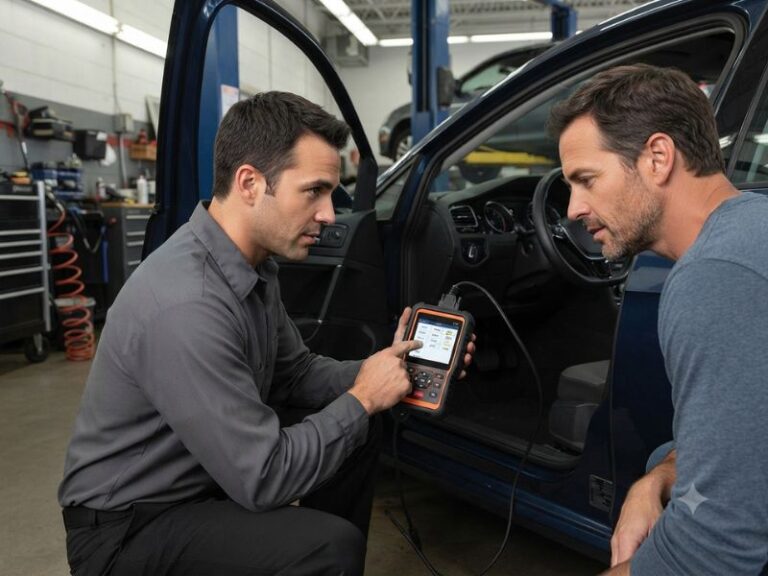
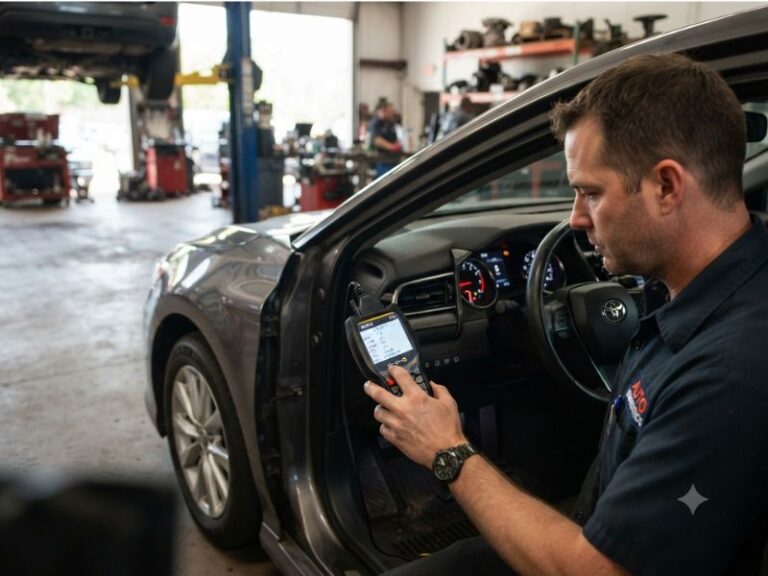
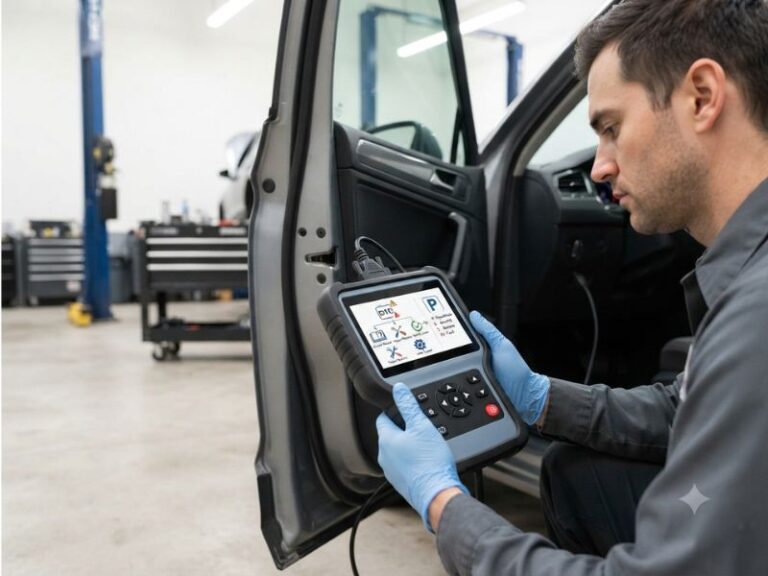
Once the app reports a successful connection, select the option labeled “Scan,” “Read Codes,” “Diagnostics,” or something similar. The app may briefly identify the vehicle and query several control modules.
Allow the scan to finish before changing screens. A basic OBD2 adapter may read only the engine or powertrain computer, while an enhanced scanner can access transmission, airbag, anti-lock brake, body, or other modules.
Save or record every code before clearing anything. Note whether each code is listed as current, pending, or permanent, and record any freeze-frame information. Freeze-frame data captures operating conditions such as engine speed, coolant temperature, and vehicle load when a fault was detected.
A code beginning with “P” relates to the powertrain. “B” generally identifies body systems, “C” chassis systems, and “U” network communication. The first character helps categorize the issue, but the full code description and vehicle-specific service information are needed for accurate diagnosis.
Understand Trouble Codes Correctly
A diagnostic trouble code is a starting point, not a final diagnosis. For example, an oxygen-sensor-related code may be caused by a wiring problem, an exhaust leak, an intake leak, a fuel mixture issue, or a failed sensor.
Do not replace a part solely because its name appears in the code description. Check related symptoms, inspect wiring and connectors, compare live-data readings, and use appropriate electrical or mechanical tests when necessary.
Pending codes may indicate that the computer has detected an irregular condition but has not yet confirmed it through enough drive cycles. A current or confirmed code generally has stronger diagnostic significance, while a permanent code may remain stored until the vehicle verifies that the underlying emissions problem has been repaired.
If the check engine light is flashing, reduce engine load and stop driving when it is safe. A flashing light can indicate an active misfire that may damage the catalytic converter. A steady light is less urgent in many cases, but it still deserves timely diagnosis, especially when the vehicle runs poorly.
Use Live Data to Add Context
Live data shows readings reported by vehicle sensors and control modules in real time. It can help distinguish an isolated code from a broader operating problem, but the values must be interpreted according to engine temperature, engine speed, load, and vehicle design.
Common data points include coolant temperature, throttle position, intake-air readings, engine speed, vehicle speed, oxygen-sensor activity, fuel trims, and system voltage. Look for readings that are implausible, stuck, delayed, or inconsistent with the vehicle’s actual condition.
For a useful comparison, view data after the engine reaches normal operating temperature. A cold engine naturally has different fuel-trim, coolant-temperature, and oxygen-sensor behavior than a warmed engine.
Use the app’s graphing or recording function when available. A changing signal can be more informative than a single number, but generic apps may display limited or simplified data. If a reading appears abnormal, confirm it with vehicle-specific specifications and additional testing.
Clear Codes Only After Recording Them
The “Clear Codes” or “Erase DTCs” command removes stored fault information from the selected module. It may also reset readiness monitors and erase freeze-frame data, which can make later diagnosis more difficult.
Save the codes and notes first. Clear them only after repairs or when a technician specifically wants to determine whether the fault returns.
Clearing a code does not repair the underlying problem. If the fault remains, the warning light may return immediately or after the vehicle completes one or more drive cycles. Some monitors need specific conditions before they can run again.
After clearing codes, avoid assuming the vehicle is ready for an emissions inspection. Check the app’s readiness-monitor screen, if available, and follow local inspection requirements. A vehicle with recently reset monitors may need additional normal driving before the inspection system can evaluate it.
Fix Common Bluetooth and Connection Problems
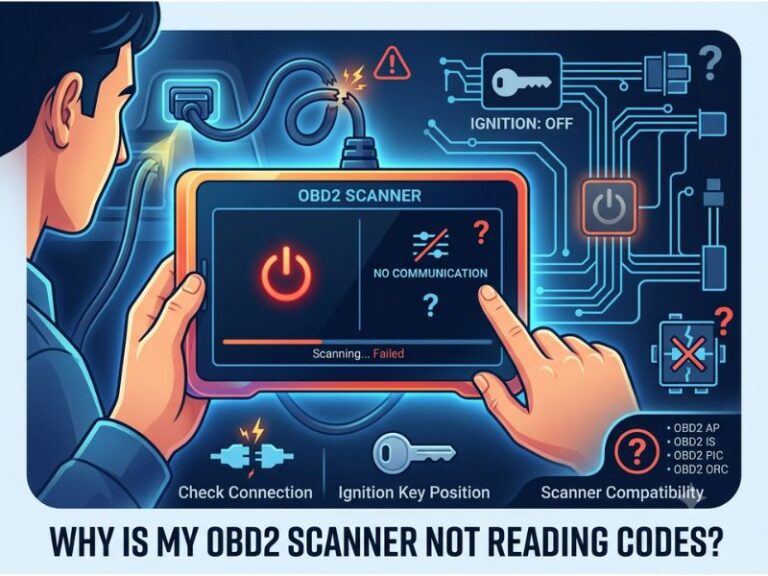
A scanner that powers on but will not connect usually has a pairing, app, protocol, or vehicle-power issue. Work through the simplest causes before buying another device.
- Confirm that the ignition is on and the adapter has power.
- Make sure the adapter is not still connected to another phone.
- Close and reopen the diagnostic app.
- Restart the phone’s Bluetooth connection.
- Remove the saved adapter and pair it again.
- Check whether the app expects Bluetooth, Bluetooth Low Energy, or Wi-Fi.
- Try a different supported app if the adapter manufacturer lists one.
- Inspect the OBD2 port for damaged terminals or aftermarket accessories.
If the app connects but cannot read codes, select the correct vehicle profile or allow automatic protocol detection to finish. A low vehicle battery can also interrupt communication, while aftermarket remote starters, alarm systems, and other devices connected near the diagnostic port may interfere with access.
Do not leave a low-cost adapter plugged in indefinitely unless it is designed for that use. Some devices draw power while the vehicle is parked and could contribute to battery drain. Remove the scanner after the diagnostic session if the manufacturer does not clearly state that continuous connection is safe.
Safety and Professional-Diagnosis Limits
Reading codes is generally low risk, but commands that change settings or activate components can create problems when used without the correct procedure. Avoid coding, module programming, actuator tests, or service resets unless the scanner, vehicle, and instructions explicitly support the function.
Keep the adapter and phone away from pedals, steering controls, and airbag areas. For live-data road tests, have another person operate the app or stop safely before reviewing readings.
Professional help is appropriate when the vehicle has a flashing check engine light, severe loss of power, overheating, brake or airbag warnings, charging-system problems, or multiple communication codes. A repair professional can use wiring diagrams, manufacturer-level data, pressure tests, lab scopes, and other equipment that a basic Bluetooth reader cannot provide.
Pay particular attention to codes involving the airbag, braking, steering, or high-voltage hybrid system. A generic engine-code reader may not access those systems, and probing the wrong circuit can create a safety hazard.
FAQ About Using an OBD2 Bluetooth Scanner
How do I use an OBD2 scanner Bluetooth adapter
Plug it into the diagnostic port, switch the ignition on, pair it with a compatible app, and select the scan function. Record the codes and freeze-frame data before clearing anything, then investigate the cause rather than replacing a part based only on the code description.
Does the engine need to be running when using
The engine usually should be off for pairing and an initial code scan, but the ignition must be on. Start the engine when the app needs operating data such as live sensor readings, fuel trims, or engine-speed information.
Why is my OBD2 Bluetooth scanner powered on but not
Power only confirms that the adapter is receiving electricity; it does not confirm app compatibility or communication. Check the pairing method, remove other connected phones, use the correct app, restart Bluetooth, and verify that the adapter supports the vehicle and phone.
Can an OBD2 Bluetooth scanner read ABS or airbag codes?
A basic adapter often reads only standardized powertrain and emissions data. ABS, airbag, body, and other modules require an app and scanner with enhanced vehicle-specific coverage, so check the product’s supported systems before relying on it.
Should I clear a check engine light with a Bluetooth
Clear the light only after saving the codes and addressing the likely fault. Erasing codes can remove useful freeze-frame information and reset emissions readiness monitors without fixing the problem.
Can a Bluetooth scanner diagnose a car without a check
It can reveal pending codes, stored information, live-data irregularities, or monitor status even when no warning light is displayed. However, a normal scan does not prove that every mechanical, electrical, safety, or manufacturer-specific problem is absent.
Is it safe to leave an OBD2 Bluetooth adapter plugged
Remove it after use unless the manufacturer confirms that continuous connection is appropriate for that model. Some adapters draw power while the vehicle is off, and a poorly designed or damaged device can interfere with vehicle electronics.
Use the Scan as a Starting Point
Using a Bluetooth OBD2 scanner correctly means matching the adapter and app, connecting with the ignition on, recording codes and freeze-frame data, and interpreting live readings in context. The major limitation is that a generic code identifies a monitored condition, not automatically a failed component, and safety-related or flashing-warning-light problems may require professional equipment.
For the next step, save the scan report, inspect the likely causes, and confirm the repair before clearing codes. If the warning returns, the vehicle drives abnormally, or the scanner cannot access the affected system, arrange a qualified diagnostic inspection.